Lichess Class
The Lichess Class tool suite allows you to manage and teach classes of students. Instead of requiring students to create their own accounts which can be difficult to manage (personal email accounts, forgetting passwords, etc.), this feature lets the teacher control all the administrative aspects, allowing students to focus on the chess!
Features
Accounts
- Quickly generate safe usernames and passwords for students
- No student controlled email address required
- Restricted chat features by default (kid mode)
- Administered by the class teacher
- Alternatively, add students who already have a Lichess account directly to the class
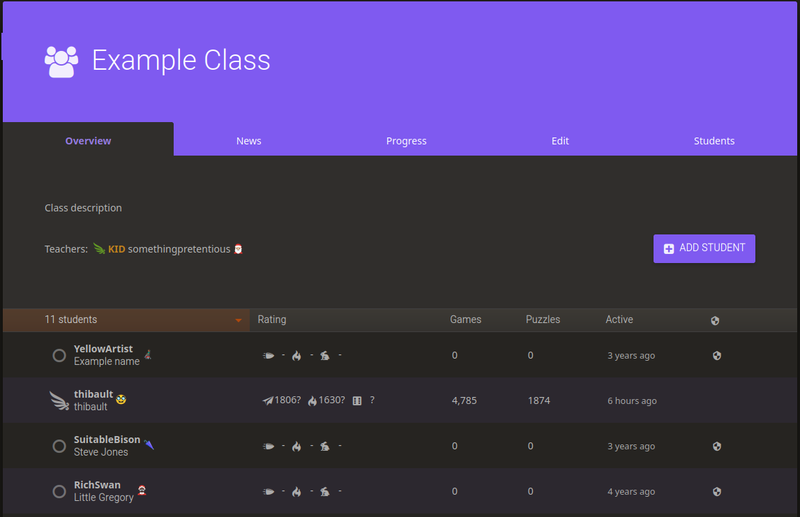
Monitoring
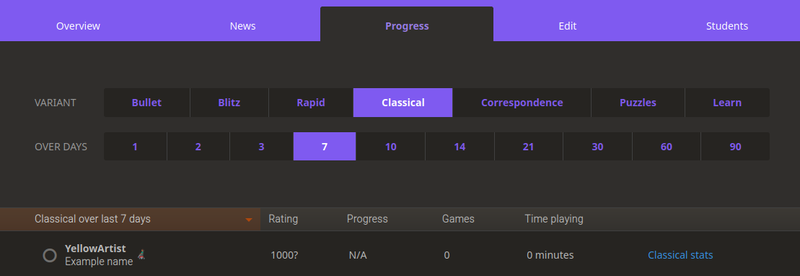
- Monitor the progress of your students in games and puzzles
Messaging
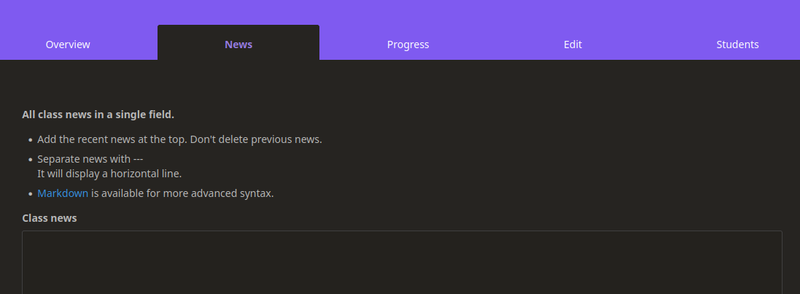
- Post news, studies, and homework to a shared class bulletin board - and notify all your students of any updates
- Students get to see all the news and updates, as well as a quick and easy way to challenge their classmates
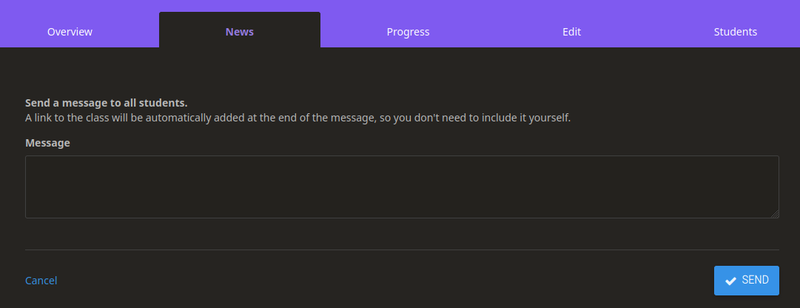
- Message all students about new class material
Access
In order to gain access to Class, simply sign up at lichess.org/class. You will need to enable 2FA (two factor authentication) to use the feature.