The Lichess Broadcast Team
You may have noticed pages on Lichess that track over-the-board chess tournaments, these pages are called "broadcasts", and any Lichess user can make them. These pages show live games as they unfold, with new moves arriving in real time. The Lichess broadcast team mostly coordinates its day-to-day activities in the Lichess Content discord, please don't be afraid to ask lots of questions there. All of this can be complicated, and we don't expect new people to understand everything right away.
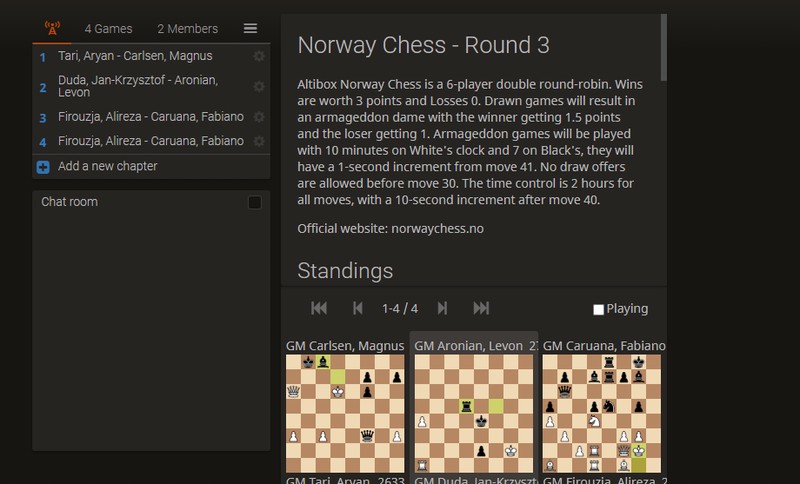
There are always many chess tournaments that Lichess users would like to be able to follow with a live broadcast, but they won't be able to unless we set it up for them. The process of "setting them up" involves a few different types of work:
1. Scouting Broadcastable events
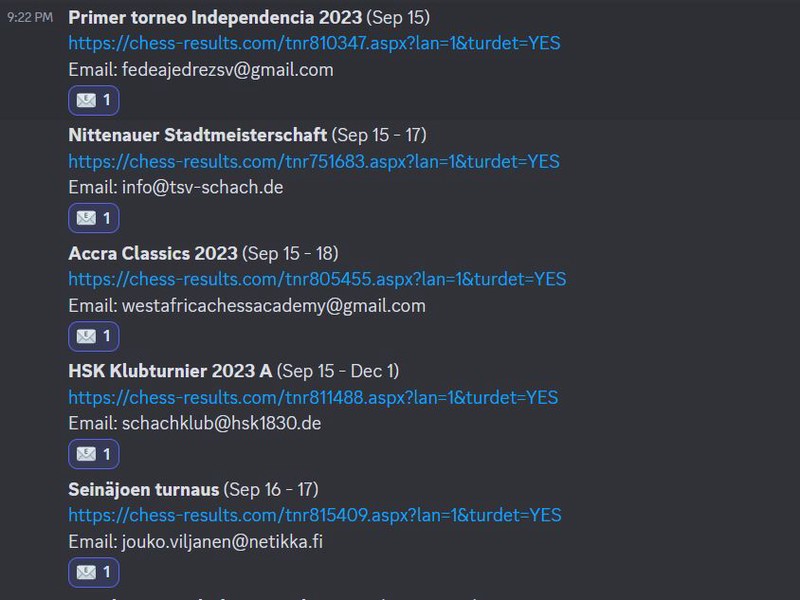
We can't do anything until we know an event exists. Do you know about a chess tournament that isn't on our radar? Let us know. Lichess generally only puts events with Titled Players on the list of official broadcasts. If you find an event you think Lichess should carry, post it in the "scouting" channel on the content discord. It's also helpful to post additional information about the tournament if you have it. When an email has been sent asking for the source, the emailer will react with an email icon, we prefer to make PGN source requests from an official Lichess email address whenever possible.
- An email contact for the tournament organizers
- A link to general tournament information, like a Chess-Results page.
- The dates the tournament will run
Here are some sites you might find broadcastable events on:
2. Making the Broadcasts themselves
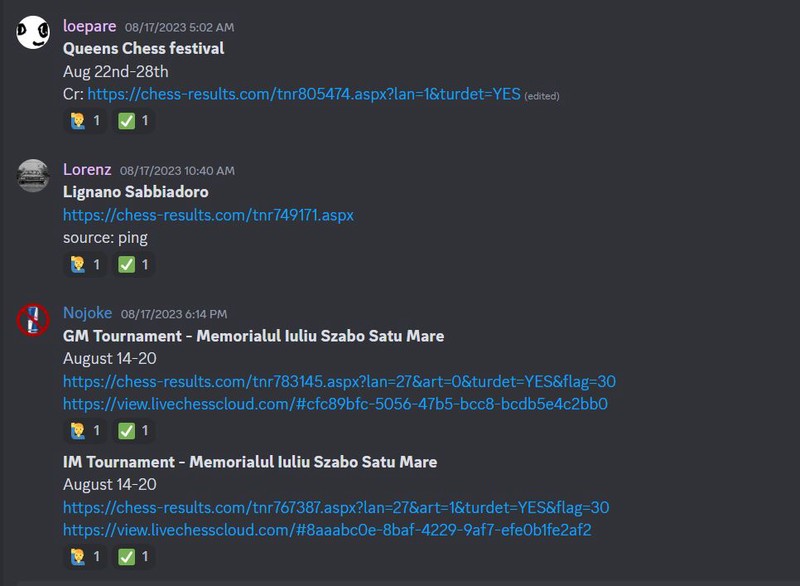
A broadcast is essentially a Lichess study that can live update itself with a PGN file. For more on how broadcasts work technically, read here. You may also want to look at some ongoing official broadcasts for an idea of how to format the information. Broadcasts that need to be made can be found in the "to-do" channel in the Lichess content discord. If you'd like to make one of those broadcast simply react to the listing with a raised hand, once the broadcast is done you can react with a checkmark and post the broadcast to have another Lichess team member add that broadcast to the official list.
3. Finding a PGN source
Each broadcast needs to have a publicly hosted PGN file that will feed it new moves. We're also able to use LiveChessCloud.com pages as the source for a broadcast. Usually tournament organizers are happy for Lichess to have this as it helps promote their event. If you need a PGN link for a tournament, ask in the #broadcasts channel and somebody will help you find it.
4. Monitoring Live Broadcasts
Most broadcasts will be stable and require no intervention after being made. However, sometimes a broadcast will stop functioning for various reasons. Hitting the reset button fixes 90% of issues, and for more complicated problems you can always head to the #broadcasts discord channel for help. There is no need to constantly check each and every Lichess broadcast to make sure it's working, but if you happen to notice a problem, please let us know.