The title says it all. I dunno how to do, so please tell me. I am new to this website :)
The title says it all. I dunno how to do, so please tell me. I am new to this website :)
The title says it all. I dunno how to do, so please tell me. I am new to this website :)
@TheAmazingTiger said in #1:
The title says it all. I dunno how to do, so please tell me. I am new to this website :)
Go to https://Imgur.com make a new post and copy the link to paste it here.
Enjoy your stay ;)
@Phil224 said in #2:
Go to Imgur.com make a new post and copy the link to paste it here.
Enjoy your stay ;)
Doesnt work
@TheAmazingTiger like this,
https://imgur.com/WbiDcIB
@AaronNZ said in #6:
@TheAmazingTiger like this,
Can u elaborate the steps for me please? I dunno how u did it
@TheAmazingTiger said in #7:
Can u elaborate the steps for me please? I dunno how u did it
Take a screenshot and save it somewhere (or copy it)
Go to https://imgur.com/upload/
Paste (or upload from where you saved it earlier) the screenshot
Wait for the image to be uploaded. In my case, I got a green notification saying "Upload Complete!". Shouldn't take long
After that, if you're using a laptop or PC it's easy: right-click on the image and press "Copy image URL" or something like that.
Then paste the image URL into the reply box:
https://i.imgur.com/sI6NEI4.png
Sadly I don't know how to do that on a phone.
There's also a "Copy link" button when you hover on the image, let's see if that works as well:
https://imgur.com/sI6NEI4
after all this, the image better be the best one ever
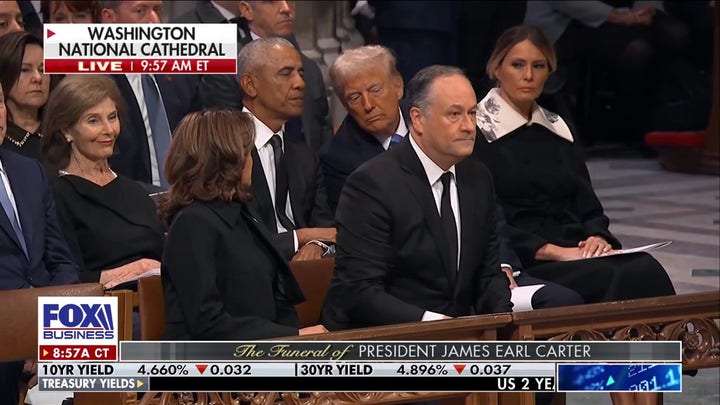
Here is an interesting image.
I am titling it, "If a look could kill, there would have been a death at the funeral"
This topic has been archived and can no longer be replied to.